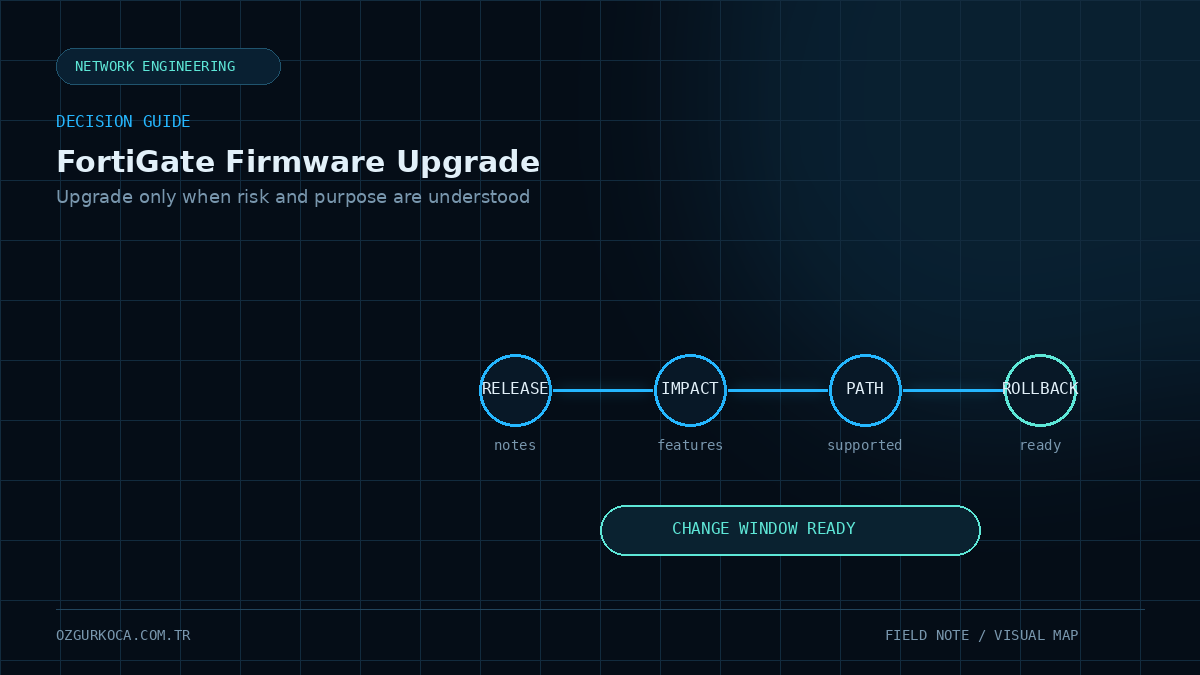
01 / SHORT ANSWER
Short Answer
No. A production FortiGate should not be upgraded immediately just because a new FortiOS release is available.
The better question is:
Do we have a valid technical or security reason to move to the new release, and can we manage the risk of that change?
A firmware decision should balance benefit and risk:
             UPGRADE DECISION
                   |
        +----------+----------+
        |                     |
        v                     v
      Benefit                 Risk
        |                     |
  Security fix           Known Issues
  Bug fix                Feature changes
  Required feature       Service impact
  Vendor support         Rollback complexity
        |                     |
        +----------+----------+
                   |
                   v
             Planned Upgrade
The goal is not to run the newest firmware. The goal is to run the most appropriate and manageable release for the environment.
02 / WHAT DO FEATURE AND MATURE RELEASES MEAN?
What Do Feature and Mature Releases Mean?
FortiOS releases may carry Feature or Mature labels.
A simplified interpretation is:
| Release type | General focus |
|---|---|
| Feature | Release train that includes new features and enhancements |
| Mature | Release train focused more on bug fixes and security patches than major new features |
The Mature label can be an important signal for production environments, but it does not mean:
Mature = No Known IssuesA healthier approach is:
Mature
   +
Release Notes
   +
Known Issues
   +
Review of features actually used
   =
Better decision
Likewise, a Feature release does not automatically mean “never use it.” A required capability, critical security fix, or support requirement may justify moving to that release train.
Treat the firmware label as one input to the decision, not as the decision itself.
03 / DEFINE THE REASON FOR THE UPGRADE FIRST
Define the Reason for the Upgrade First
Before planning an upgrade, ask:
Why are we upgrading?
Valid reasons may include:
- A critical security vulnerability is fixed.
- A bug affecting the environment is resolved in the target release.
- A required new feature is available.
- The support status of the current release train has changed.
- Fortinet TAC recommends a specific corrective release.
- Compatibility is required with hardware or Security Fabric components.
A weak reason is simply:
"A new firmware appeared in the GUI."The existence of a new release is not, by itself, enough justification for a production change.
04 / DO NOT DECIDE WITHOUT READING THE RELEASE NOTES
Do Not Decide Without Reading the Release Notes
The Release Notes for the target version are one of the most important inputs to a firmware decision.
Do not look only at “Resolved Issues.”
Review at least:
Release Notes
     |
     +-- Special Notices
     +-- Known Issues
     +-- Resolved Issues
     +-- Changes in CLI
     +-- Changes in GUI behavior
     +-- Changes in default behavior
     +-- Upgrade Information
     +-- Supported models / limitations
Search for features that are actually important in your production environment:
IPsec
SSL VPN
BGP
OSPF
SD-WAN
HA
Web Filter
Proxy
SAML
RADIUS
FortiLink
NP6 / NP7
If IPsec is heavily used, for example, an IPsec-related Known Issue is much more important than a cosmetic GUI issue.
05 / DOES A KNOWN ISSUE MEAN YOU SHOULD NEVER UPGRADE?
Does a Known Issue Mean You Should Never Upgrade?
No. Almost every large software platform has Known Issues.
The real question is:
Does this Known Issue affect the feature, model, or traffic flow that I actually use?
Example evaluation:
| Known Issue | Feature used in the environment? | Decision impact |
|---|---|---|
| Unused GUI page | No | Low |
| IPsec feature in active use | Yes | High |
| Unused FortiSwitch function | No | Low |
| HA failover issue | HA is in use | Very high |
| Routing-protocol issue | Relevant protocol is in use | Very high |
The goal is therefore not to count Known Issues, but to evaluate business and service impact.
06 / PAY SPECIAL ATTENTION TO SSL VPN CHANGES
Pay Special Attention to SSL VPN Changes
Major or minor FortiOS branch changes can affect more than bug behavior; feature lifecycle may change too.
SSL VPN is a strong example.
Fortinet documentation states that in FortiOS 7.6.3 and later, SSL VPN tunnel mode is no longer supported and environments should migrate to IPsec VPN.
That means a transition such as:
Current environment
    |
    +-- SSL VPN Tunnel Mode
    |
    v
FortiOS 7.6.3+
is not only a:
Firmware UpgradeIt can also become a:
Remote Access MigrationBefore upgrading, review:
- Remote-access method currently in use
- FortiClient compatibility
- Authentication method
- MFA / SAML integration
- User groups
- Split-tunnel behavior
- Migration plan if a new IPsec dialup design is required
If Release Notes state that a feature has been removed or its configuration will not carry forward, a firmware rollback plan alone is not enough. Design the service migration first.
07 / ANOTHER ENVIRONMENT'S SUCCESS IS NOT PROOF FOR YOURS
Another Environment's Success Is Not Proof for Yours
A firmware release working well on another FortiGate model is not a guarantee for your environment.
The decision depends on factors such as:
FortiGate model
Current FortiOS release
Target release
HA / Standalone
VDOM usage
Routing protocols
VPN design
Security Profiles
NPU platform
FortiManager / FortiAnalyzer integration
Security Fabric components
So:
“I used the same firmware somewhere else and it was fine.”
is useful experience, but it does not replace checking the official upgrade path and release notes for the actual environment.
08 / ALWAYS VALIDATE THE UPGRADE PATH
Always Validate the Upgrade Path
A direct jump from the current FortiOS release to the desired target is not always supported.
Fortinet's Upgrade Path Tool shows validated transition steps for a model, current release, and target release.
Typical logic:
Current Version
      |
      v
Intermediate Release
      |
      v
Intermediate Release
      |
      v
Target Version
Skipping required intermediate versions can introduce risks such as:
- Configuration loss
- Loss of management access
- HA synchronization issues
- Unexpected service outage
- Boot problems
Check the current Upgrade Path Tool before every change. Fortinet can update supported path information even if the same transition was performed previously.
Official tool:
09 / IN HA, CHECK CLUSTER HEALTH BEFORE FIRMWARE
In HA, Check Cluster Health Before Firmware
If a FortiGate HA cluster is already unhealthy, a firmware change increases the operational risk.
Confirm that the cluster is healthy and synchronized before upgrading.
Useful baseline checks include:
get system status
get system ha status
diagnose sys ha status
diagnose sys ha checksum cluster
Review:
- Primary / Secondary state
- HA heartbeat
- Configuration synchronization
- Session-pickup design
- Interface health
- Existing alarms and performance problems
Simple rule:
HA is already unhealthy
      |
      X
Do not try to fix it with a firmware upgrade
      |
      v
Fix the existing problem first
A firmware upgrade should not be used as a random troubleshooting technique.
10 / A BACKUP IS NOT A ROLLBACK PLAN
A Backup Is Not a Rollback Plan
Taking a configuration backup before an upgrade is mandatory, but it is not the entire rollback plan.
A real rollback plan should answer questions such as:
What if the new firmware does not boot correctly?
What if management access is lost?
What if one HA member fails to upgrade?
How long do we wait if critical VPNs fail?
What triggers the rollback decision?
Who makes that decision?
Minimum preparation should include:
- Current configuration backup
- Backup of required license/system files
- Current firmware/build information
- Saved upgrade-path output
- Console / out-of-band access
- Maintenance window
- Validation tests
- Explicit rollback criteria
Physical FortiGate appliances can retain the previous firmware in an alternate partition. However, this is generally useful for returning only to the immediately previous upgrade step, which is why multi-hop upgrades should be tested after each hop.
Fortinet also does not provide a classic supported downgrade path in the same sense as an upgrade path. Therefore, “we can always reinstall the old firmware” should not be treated as a sufficient rollback strategy.
11 / TEST AFTER EVERY UPGRADE HOP
Test After Every Upgrade Hop
If the official path includes several firmware steps, waiting until the final release to test is risky.
A better approach is:
Version A
   |
   v
Version B
   |
   +--> Test
   |
   v
Version C
   |
   +--> Test
   |
   v
Target Version
   |
   +--> Final Test
Because alternate-partition rollback is most useful for only the previous step, test at least the following after every hop:
- Management access
- HA state
- Routing
- Internet access
- Critical VPNs
- Authentication
- Critical firewall-policy traffic flows
12 / CHECK CONFIG ERRORS AFTER THE UPGRADE
Check Config Errors After the Upgrade
Some lines from the old configuration may change or no longer be supported in the target release.
A useful command is:
diagnose debug config-error-log readThis can help identify configuration lines that could not be parsed or converted during the upgrade.
An empty output does not prove that every service is healthy; operational testing is still required.
13 / A SIMPLE PRE-PRODUCTION DECISION MATRIX
A Simple Pre-Production Decision Matrix
A practical decision table can help keep critical questions visible:
| Check | State | Evaluation |
|---|---|---|
| Critical security fix required | Yes | Strong reason to upgrade |
| Active bug fixed in target release | Yes | Supports upgrading |
| Required new feature available | Yes | Supports upgrading |
| Critical used feature appears in Known Issues | Yes | Consider waiting / another release |
| Used feature removed | Yes | Migration project first |
| Upgrade path validated | Yes | Can proceed to planning |
| Backup ready | Yes | Required |
| Console/OOB access available | Yes | Strongly recommended |
| Rollback criteria defined | Yes | Required |
| Test plan ready | Yes | Required |
This table does not make the decision automatically; it helps prevent important questions from being forgotten.
14 / RECOMMENDED DECISION FLOW
Recommended Decision Flow
New firmware is released
        |
        v
Is there a real reason to upgrade?
        |
     +--+--+
     |     |
     NO    YES
     |     |
     v     v
   Wait   Release Notes
             |
             v
        Known Issues
             |
             v
      Features in use
             |
             v
       Model / HA / Fabric
             |
             v
       Upgrade Path Tool
             |
             v
       Backup + Rollback
             |
             v
          Test Plan
             |
             v
        Change Window
             |
             v
           UPGRADE
15 / WHEN MIGHT WAITING BE THE BETTER CHOICE?
When Might Waiting Be the Better Choice?
It may be healthier to wait or choose a different patch when:
- There is no operational reason to upgrade.
- Known Issues affect critical services in use.
- You are moving to a new major/minor branch without sufficient testing.
- Rollback access is not ready.
- The HA cluster is already unhealthy.
- Security Fabric compatibility has not been validated.
- A critical service such as remote access changes behavior in the target branch.
However, waiting for a Mature label can also be the wrong decision when an actively exploited critical vulnerability is involved. Security risk and operational risk must be evaluated together.
16 / THE MOST IMPORTANT TAKEAWAY
The Most Important Takeaway
The two most dangerous firmware-management mindsets are:
"A new release is out, let's upgrade immediately."and:
"It's working, so let's never upgrade."Good firmware management lives between those extremes and is based on risk.
The right firmware is not the newest firmware. It is the release that best fits the environment after security, stability, feature requirements, known problems, and rollback capability are evaluated together.
17 / PRE-CHANGE CHECKLIST
Pre-Change Checklist
18 / OFFICIAL RESOURCES
Official Resources
19 / CONCLUSION
Conclusion
A FortiGate firmware-upgrade decision should not be based only on a version number.
A healthier model is:
Feature / Mature
       +
Release Notes
       +
Known Issues
       +
Critical service impact
       +
Upgrade Path
       +
Backup / Rollback
       +
Test Plan
       =
Manageable Firmware Upgrade
New firmware may be important, but the production objective is not to look current. It is to stay secure through a controlled, testable, and recoverable change process.
Was this article useful?
Leave a quick signal. Feedback is used to improve existing guides and decide what deserves deeper coverage.